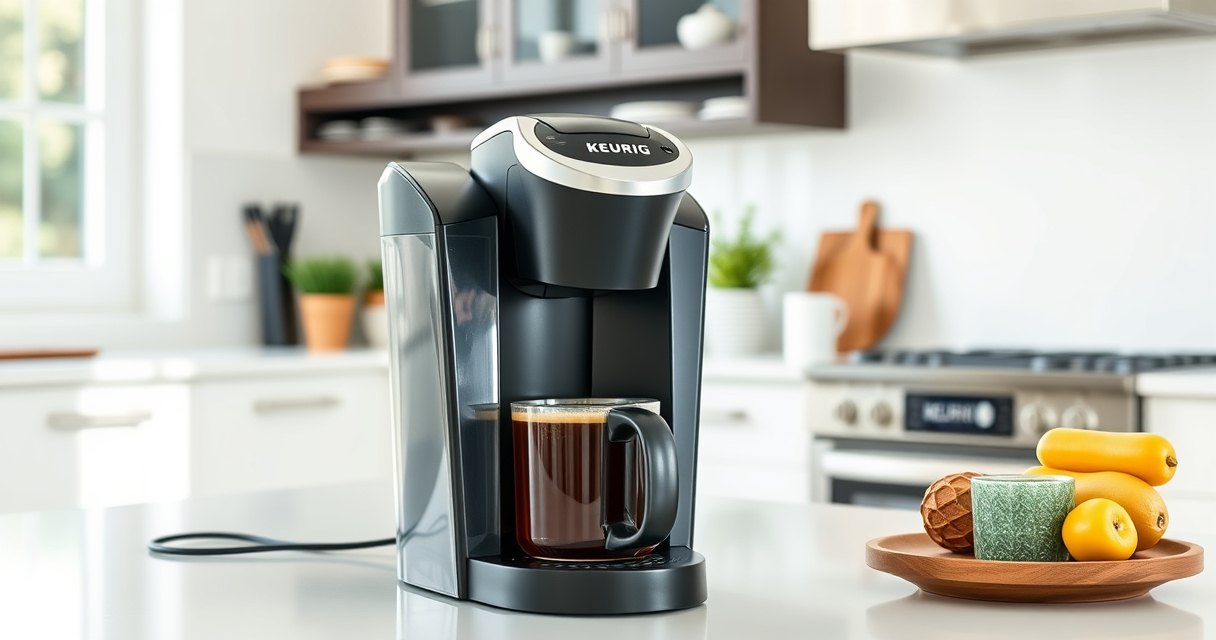
If your Keurig K-Mini isn’t brewing properly or needs a bit of TLC, don’t worry. Proper maintenance and troubleshooting can keep your machine running smoothly and ensure your coffee always tastes fresh. This guide walks you through common problems, safe cleaning practices, and regular upkeep to extend your brewer’s lifespan.

Get coffee and tea gear delivered free — and shop member deals
- Fast, free delivery on millions of items
- Access to Prime Big Deal Days deals on October 6–7
- Prime Video, Amazon Music and more included
Whether you’re dealing with clogs, scale buildup, or just want to optimize performance, these step-by-step instructions will help you resolve issues quickly and safely, all while preserving the quality of your brew.
Key Takeaways
| Regular Descaling | Prevents mineral buildup that affects taste and function. |
| Cleaning K-Cup Holder | Rinsing residue improves flavor and machine longevity. |
| Water Quality Matters | Use filtered water to reduce scale and clogs. |
| Proper Maintenance Schedule | Descale every 3-6 months for optimal performance. |
| Troubleshooting Common Issues | Learn how to fix leaks, weak brews, and error messages. |
Identifying Common Keurig K-Mini Problems
Before diving into troubleshooting, it’s helpful to recognize typical issues with the Keurig K-Mini. Common problems include the machine not turning on, weak or no coffee output, error messages, or leaks. Understanding the symptoms allows you to target specific fixes more effectively.
Most issues stem from mineral buildup, clogged needles, or electrical problems. Regular cleaning and descaling can prevent many of these problems, ensuring your machine brews perfectly each time.
Step-by-Step Troubleshooting Guide
- Check Power and Connection: Ensure the power cord is securely plugged in and the outlet is functional. Reset any circuit breakers if necessary.
- Inspect Water Reservoir: Make sure the water reservoir is filled, properly seated, and not clogged. Refill if empty or reposition securely.
- Clear Clogged Needles: Use a paperclip or the Keurig needle cleaning tool to gently dislodge any blockages in the piercing needles.
- Perform Descaling: Follow the descaling process (see next section) to remove mineral deposits that can impair flow and brewing quality.
- Check for Leaks: Ensure the brew basket and drip tray are correctly in place. Tighten any loose parts and inspect for cracks.
How to Descale Your Keurig K-Mini
Descaling is crucial for maintaining a clean, efficient brewer. Use a descaling solution every 3 to 6 months or as needed.
- Fill the water reservoir with equal parts white vinegar and water, or a Keurig-approved descaling solution.
- Power on the machine and run a brew cycle without a K-Cup, allowing the solution to pass through.
- Repeat the brew cycle until the reservoir is empty.
- Let the machine sit for 30 minutes, then rinse thoroughly by running several brew cycles with fresh water to remove any vinegar or solution residue.
Cleaning and Maintenance Tips
Maintain your Keurig K-Mini’s performance with regular cleaning:
- Remove and wash the drip tray, brew basket, and water reservoir weekly with warm, soapy water.
- Use a damp cloth to clean the exterior and control panel.
- Clean the needle assembly with a paperclip or needle cleaning tool to prevent clogs.
- Replace water filters as recommended to improve water quality and taste.
Always unplug the machine before cleaning to prevent electrical hazards.
Tips and Warnings for Safe and Effective Maintenance
Always use filtered water to reduce mineral buildup and prolong your brewer’s life. Avoid using abrasive cleaners or harsh chemicals that can damage the machine’s components.
Follow the manufacturer’s instructions for descaling and cleaning routines. Descaling too often or too infrequently can both cause issues; stick to the recommended schedule.
Be cautious when handling hot water or descaling solutions to prevent burns. Always unplug your Keurig before cleaning or maintenance.
The Products in This Guide

Keurig K-Mini Single Serve K-Cup Pod Coffee Maker
- ✔ Brew Size: 6-12oz
- ✔ Color: Black
- ✔ Dimensions: Less than 5 inches wide

My K-Cup® Reusable Coffee Filter
- ✔ Material: Plastic and mesh
- ✔ Capacity: Single serve
- ✔ Dishwasher Safe: Yes
Keurig K-Mini Single Serve K-Cup Pod Coffee Maker
The Keurig K-Mini is perfect for tight spaces, offering quick brewing and easy maintenance. Its compact size doesn’t compromise on performance, making it a favorite for small kitchens and offices.
Pros:
- Space-saving design
- Fast brew times
- Removable drip tray
- Compatible with reusable filters
Cons:
- Limited water reservoir capacity
- No on/off switch
- Requires frequent descaling in hard water areas
Best for: Small kitchens, dorms, offices, travel
Not ideal for: Users needing large capacity or advanced features
Bottom line: A compact, efficient coffee maker ideal for small spaces and quick brews.
My K-Cup® Reusable Coffee Filter
The My K-Cup reusable coffee filter allows you to brew your favorite ground coffee, providing versatility and cost savings. It’s a simple addition that complements your Keurig’s performance.
Pros:
- Brew with ground coffee
- Eco-friendly and cost-effective
- Easy to clean
- Compatible with multiple Keurig models
Cons:
- Requires measuring ground coffee
- Less convenient than K-Cups
- May cause clogging if not cleaned regularly
Best for: Coffee enthusiasts who prefer ground beans
Not ideal for: Those seeking quick, single-use pods
Bottom line: A versatile reusable filter for ground coffee lovers, compatible with your Keurig.
Frequently Asked Questions
How often should I descale my Keurig K-Mini?
Descale your Keurig every 3 to 6 months, depending on water hardness and usage frequency to prevent mineral buildup.
Why is my coffee weak or watery?
Weak coffee can result from mineral deposits clogging the needle or water flow issues. Descaling and cleaning the needle can restore full strength.
My Keurig is leaking during brewing. What should I do?
Check that the brew basket and water reservoir are securely in place. Inspect for cracks or damage, and clean the needle assembly.
Can I use my own ground coffee with the Keurig?
Yes, with the My K-Cup reusable filter, you can brew your own ground coffee, offering more flavor options and cost savings.
What safety precautions should I follow when cleaning?
Always unplug the machine before cleaning. Handle hot water carefully, and avoid harsh chemicals that can damage your brewer.
Keep Your Keurig K-Mini Brewing Perfectly
With regular maintenance, proper cleaning, and troubleshooting, your Keurig K-Mini can deliver fresh, flavorful coffee for years to come. Remember to descale periodically, clean the needle, and use quality water for the best results. Staying proactive with your brewer’s care ensures it remains a reliable and efficient part of your daily routine.
Affiliate disclosure: As an Amazon Associate we earn from qualifying purchases. Prices and availability are accurate as of the time of publishing.
Halloween Picks
halloween
As an affiliate, we earn on qualifying purchases.