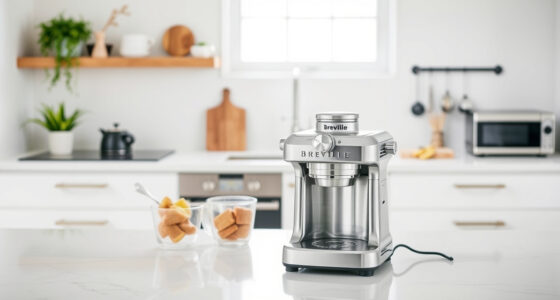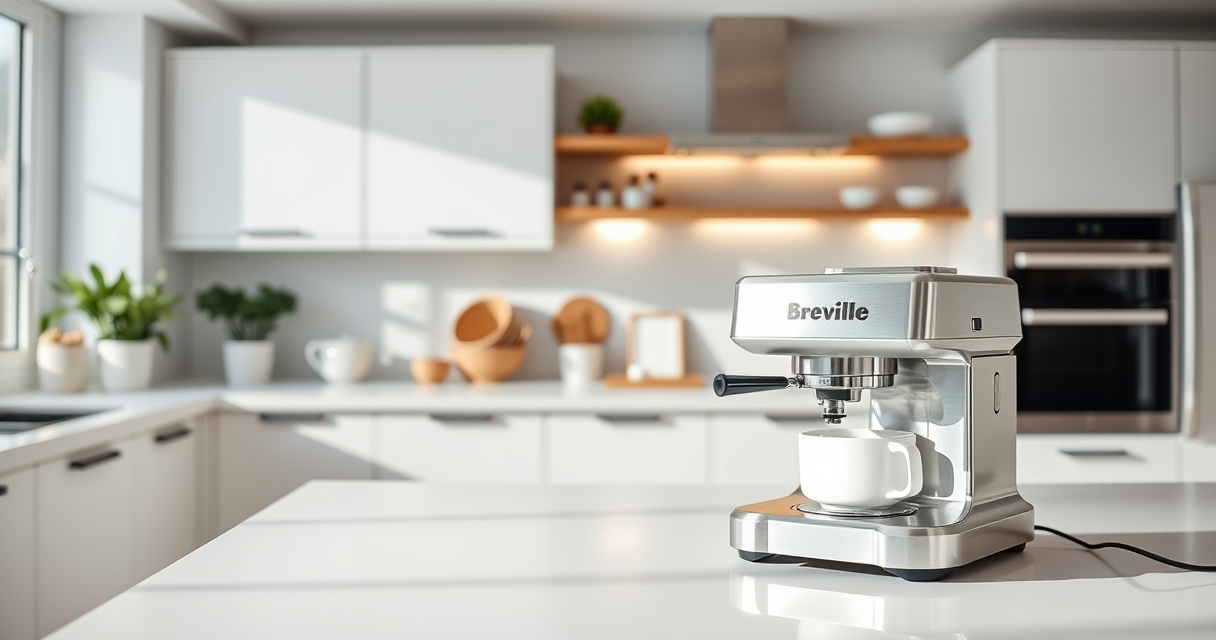

If your Breville Bambino Plus is not heating properly, it can prevent you from making that perfect espresso. This guide will walk you through common causes and safe, effective fixes to get your machine back to optimal temperature.

Get coffee and tea gear delivered free with Prime
- Fast, free delivery on millions of items
- Prime Video, Amazon Music and more included
- Member-only deals all year
Following these steps carefully can resolve heating issues without risking damage to your appliance. Always prioritize safety and consult your user manual if unsure.
Key Takeaways
| Check power and settings | Ensure the machine is plugged in and switched on with the correct settings. |
| Inspect the water tank and filters | Clogged filters or low water levels can affect heating performance. |
| Reset or descale the machine | Descaling buildup can hinder heating; a proper cleaning may solve the issue. |
| Examine for electrical issues | Loose connections or faulty sensors might cause heating failure. |
Step 1: Verify Power Supply and Settings
- Ensure the machine is properly plugged into a working outlet.
- Turn on the machine and confirm the power indicator lights are active.
- Check if the machine’s temperature display shows normal operation or any error codes.
Step 2: Check Water Level and Filters
- Open the water reservoir and ensure it has sufficient water.
- Inspect the charcoal filters and water filters for clogs or buildup; replace if necessary.
- Use recommended Breville cleaning tablets to maintain optimal water flow and prevent heating issues.
Step 3: Reset and Descale the Machine
- Turn off the machine and unplug it from the power source.
- Allow it to cool completely if it was recently used.
- Follow the descaling instructions outlined in your user manual, using approved descaling products.
Step 4: Examine Electrical Components and Sensors
- Inspect the power cord and plug for damage.
- Check internal sensors or wiring for loose connections (if accessible).
Note: If uncertain, contact a professional technician for inspection or repair.
Additional Tips and Safety Warnings
- Always unplug the machine before performing any inspection or cleaning.
- Use only manufacturer-approved cleaning and descaling products.
- Do not attempt to repair electrical components yourself unless qualified.
- If the machine still does not heat after these steps, contact Breville customer support for service options.
The Products in This Guide

Breville Bambino Plus
- ✔ Weight: 10.5 lbs
- ✔ Warranty: 1 Year
- ✔ Material: Stainless Steel

Breville BEC250 Espresso Machine Cleaning Tablets
- ✔ Shelf Life: 2 Years
- ✔ Usage Frequency: Every 1-2 months
- ✔ Storage: Cool & Dry
Breville Bambino Plus
The Breville Bambino Plus is a compact, high-performance espresso machine that can face heating problems due to various factors. This troubleshooting guide provides practical, safe steps to identify and resolve common causes, ensuring your machine heats correctly for perfect espresso every time.
Pros:
- Clear, step-by-step instructions
- Safe troubleshooting procedures
- Covers common causes
- Includes safety tips
Cons:
- Requires basic technical skills
- Some issues may need professional repair
- Descaling products must be compatible
Best for: Breville Bambino Plus owners experiencing heating issues
Not ideal for: Users unfamiliar with appliance maintenance or electrical safety
Bottom line: Follow these steps to troubleshoot and fix your Breville Bambino Plus heating issues safely.
Breville BEC250 Espresso Machine Cleaning Tablets
Using the Breville BEC250 Espresso Machine Cleaning Tablets regularly helps prevent buildup that can cause heating problems. They ensure your machine stays clean, efficient, and ready for perfect shots.
Pros:
- Effective removal of oils
- Easy to use
- Prolongs machine lifespan
- Manufactured by Breville
Cons:
- Requires regular use
- Limited to cleaning tasks
- Must follow instructions carefully
Best for: Maintaining your Breville espresso machine’s cleanliness
Not ideal for: For users seeking a quick fix for heating issues
Bottom line: Regular cleaning with these tablets helps prevent heating issues caused by residue buildup.
Frequently Asked Questions
Can I manually reset my Breville Bambino Plus if it stops heating?
Yes, unplug the machine, wait for it to cool, then plug it back in and turn it on. If persistent issues occur, proceed with troubleshooting steps or contact support.
Is descaling necessary to fix heating problems?
Descaling helps clear mineral buildup that can affect heating efficiency. Regular descaling is recommended, especially if the machine hasn’t been cleaned recently.
What safety precautions should I follow when troubleshooting?
Always unplug the machine before inspecting or cleaning. Avoid opening electrical components unless qualified. Use only manufacturer-approved cleaning products.
When should I contact professional repair services?
If the machine still does not heat after following troubleshooting steps, or if you notice electrical damage, contact Breville customer support or a qualified technician.
Bring Back Perfect Espresso with Proper Troubleshooting
Addressing heating issues in your Breville Bambino Plus can be straightforward if you follow the correct steps. Regular maintenance, careful inspection, and safety precautions will help keep your espresso machine functioning optimally, ensuring you enjoy cafe-quality coffee at home for years to come.
Affiliate disclosure: As an Amazon Associate we earn from qualifying purchases. Prices and availability are accurate as of the time of publishing.
Fall Picks
fall essentials
As an affiliate, we earn on qualifying purchases.